It’s October and the perfect time for some spooky creations. This one is the first one in response to the new monthly Make it Colourful Challenge “Spooky Night Sky” and you can find some chatter about it in the MiC Message Board.
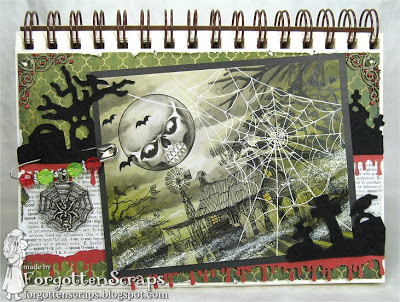
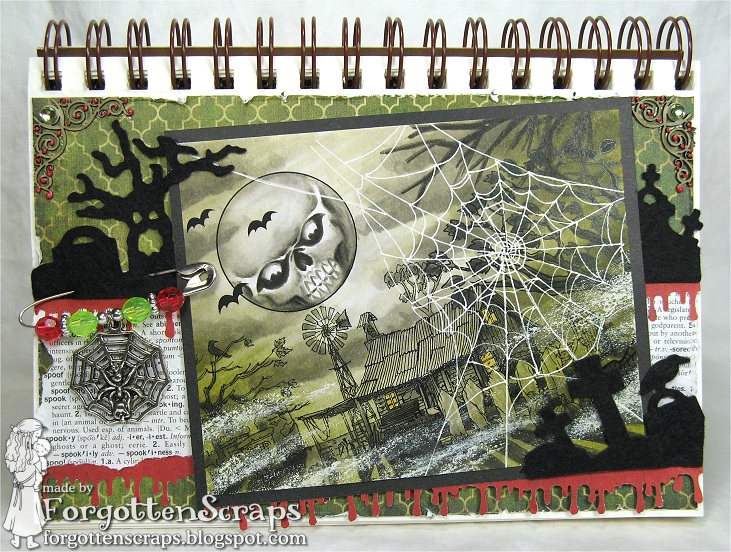
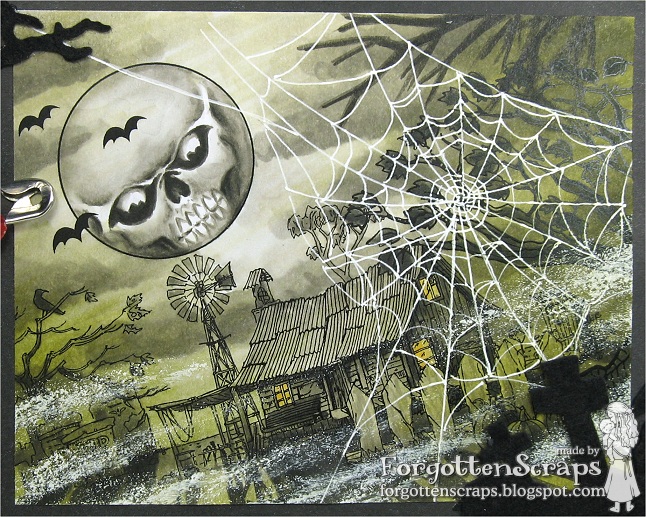
To start my project, I first studied the inspirational pictures in the challenge post and noticed a few similarities… for the most part, they were on an angle and monochromatic in a certain color. A couple of them had eerie things in the clouds or moon, spiderwebs, fog, etc. So with these things in mind I merged some images together and tilted the scene 15 degrees to the left.
After printing it out I looked online and found a Mean Skull that I sketched into the moon with a pencil. I wasn’t sure if it was going to turn out so started playing around in coloring the moon I was surprised how it turned out. I was so excited that I started coloring the rest of the image using the Warm grays. With the darkest tones I added my shadows and worked my way to the lighter tones. The clouds were done the same way except I started with the lightest and went darker.
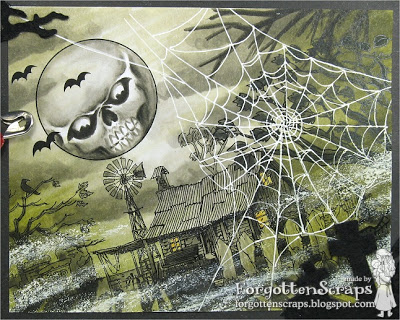
After the whole image was colored in the monochromatic tones I started adding in YG91 and YG93 from the sides inwards. Next time I think I’ll go darker on the outer edges. Next I added the spiderweb using a gel pen. For this I wish I had more branches at the top so I colored some in, however, better positioning of the tree would have been better.
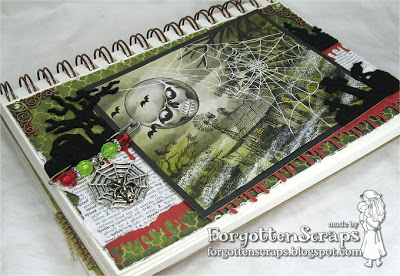
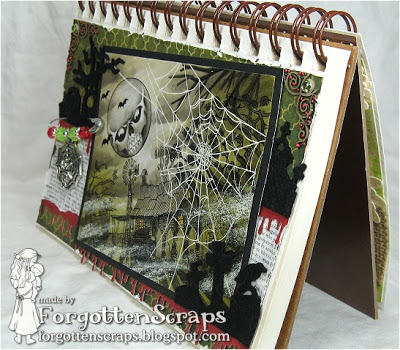
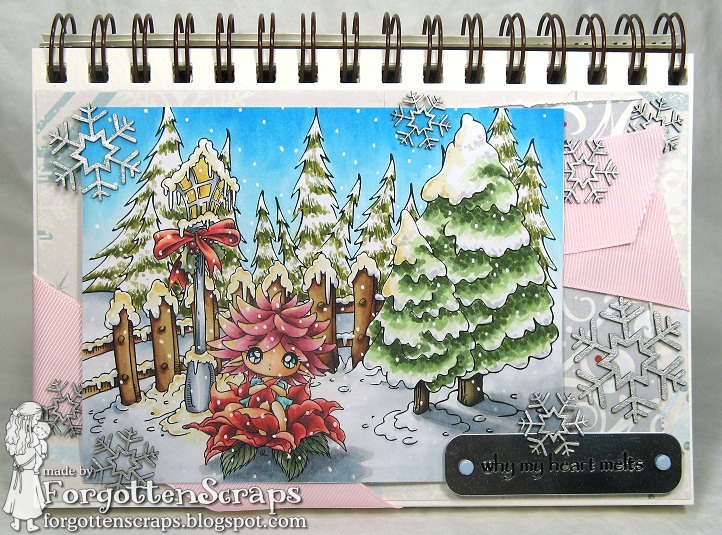
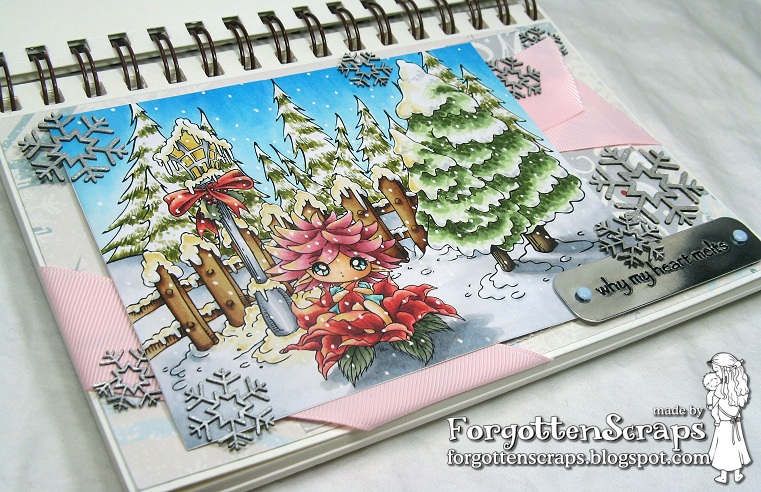
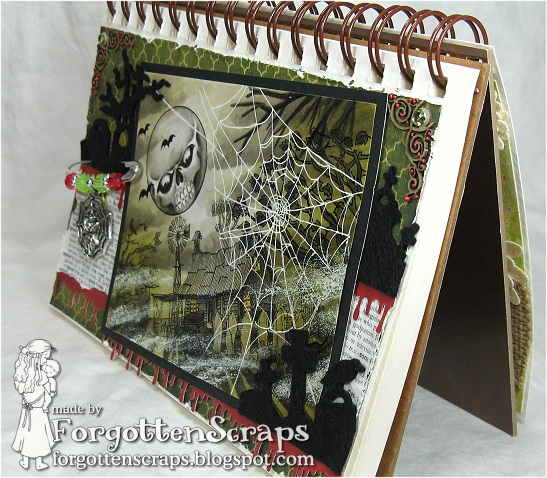
Lastly I thought it could use some eerie mist but I wish I could have applied it differently – I was looking for more of a chalky soft look so I’ll work on that technique next time. Finally I placed the finished image on a journal page and added fun elements such as dripping blood, tombstones and other such things. Hope you enjoy it and come on over to play along in this super duper challenge!









 Sproatmeyer